AI scanning for supplier invoices and delivery notes in your shop
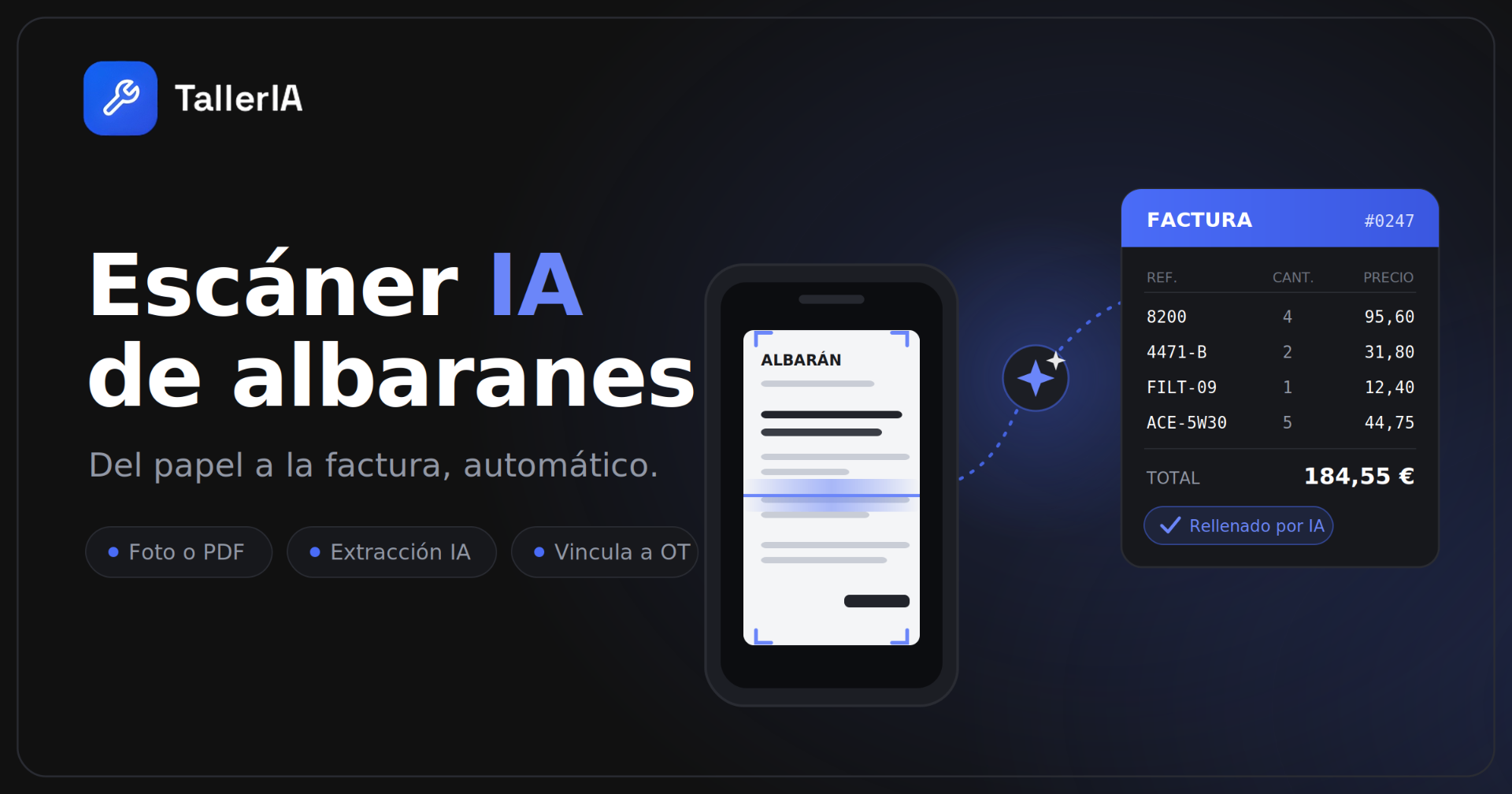
Photograph the delivery note or upload the PDF: the AI extracts the data, links it to the work order and pushes it into the invoice. Here's how TallerIA's AI scanner works.
If you run a repair shop, you know the scene: you finish the day with a pile of supplier delivery notes and invoices on the desk. And before you can invoice the customer, someone has to sit down and type in part number after part number: the code, the quantity, the price, the tax. Line by line. It's slow, it's tedious and, worst of all, it's where the errors creep in that quietly eat your margin.
TallerIA's AI document scanner exists to eliminate that work. You photograph the document with your phone or upload the PDF, and the AI extracts all the data for you, links it to the work order and leaves it ready in the invoice. This guide explains how it works and why it changes the daily rhythm of a repair shop.
What is the AI document scanner?
It's a TallerIA feature that digitises the purchase documents you receive from suppliers — delivery notes and parts invoices — using automatic AI recognition. Instead of typing the data into the software by hand, the system "reads" the document, identifies each line and turns it into structured information inside your system.
Put another way: it's OCR for delivery notes built specifically for a repair shop, which doesn't stop at "reading text" but understands what a part number is, what a quantity is and what a price is, and puts each one where it belongs.
How it works, step by step
1. Capture the document however you like
You don't need a separate scanner. You can:
- Take a photo with your phone camera directly from the app.
- Upload a PDF the supplier emailed you.
- Upload a photo from your gallery or drag the file in if you're working from a computer.
2. The AI extracts the data automatically
Within seconds the system detects the supplier, the document number, the date and every line: part number, description, quantity, unit price and total, plus the net amount and the tax. This is genuine automatic data extraction: you copy nothing, you only review.
3. You review and confirm
Before anything is saved, you see a fully editable screen with everything the AI read. If a value is wrong, you fix it in one tap. That guarantees incorrect information never reaches your invoicing, which is exactly the problem we're trying to avoid.
4. You link it to a work order
You attach the document to the relevant work order. From then on, the parts you bought are tied to the specific job they were used on, at their real cost.
5. It flows into the invoice by itself
The lines pass automatically into that work order's invoice, keeping the same part number, description and price. No retyping. What used to be ten minutes of transcription per document is now a few seconds of review.
What data is extracted automatically
- Supplier details and delivery note or invoice number.
- Document date.
- Every line: part number, description, quantity, unit price and total.
- Net amount, tax and document total.
Why it changes a shop's day-to-day
You get time back. The hours spent keying in delivery notes shrink to a quick review. Time that goes back into the workshop, which is where you actually make money.
You make fewer mistakes. A mistyped price or a wrong part number turns into incorrect invoices and lost margin. Extracting and reviewing instead of typing makes those errors all but disappear.
You know your real margin. Because every purchase is linked to its work order, you know exactly what each repair cost you and what you genuinely earned.
Everything is traceable. Each part is recorded and tied to its job and its invoice, with no loose paperwork going missing.
Which plans include it?
The AI scanner is included in every TallerIA plan; what changes is the number of scans per month:
- Starter: 10 scans/month.
- Pro: 150 scans/month.
- Premium: unlimited scans.
You can see the full detail and compare features on the pricing page.
Frequently asked questions
Do I need a separate scanner, or is a phone enough?
A phone is enough. You photograph the delivery note from the app and that's it. You can also upload a PDF or an image from your computer.
What if the AI misreads something?
Before anything is saved you always see an editable review screen with everything that was extracted. If something doesn't add up, you fix it there and then, so bad data never reaches the invoice.
Does it recognise documents from any supplier?
Yes. The AI is built to interpret purchase documents in many different layouts, not one fixed template from a single supplier.
Do the scanned lines go into the customer invoice automatically?
Once you link the document to a work order, the lines are pushed automatically into that work order's invoice with the same part number and price.
How many documents can I scan per month?
It depends on the plan: 10 a month on Starter, 150 on Pro and unlimited on Premium.
Frequently asked questions
Do I need a separate scanner, or is a phone enough?
A phone is enough. You photograph the delivery note from the app and that's it. You can also upload a PDF or an image from your computer.
What if the AI misreads something?
Before anything is saved you always see an editable review screen with everything that was extracted. If something doesn't add up, you fix it there and then, so bad data never reaches the invoice.
Does it recognise documents from any supplier?
Yes. The AI is built to interpret purchase documents in many different layouts, not one fixed template from a single supplier.
Do the scanned lines go into the customer invoice automatically?
Once you link the document to a work order, the lines are pushed automatically into that work order's invoice with the same part number and price.
How many documents can I scan per month?
It depends on the plan: 10 a month on Starter, 150 on Pro and unlimited on Premium.